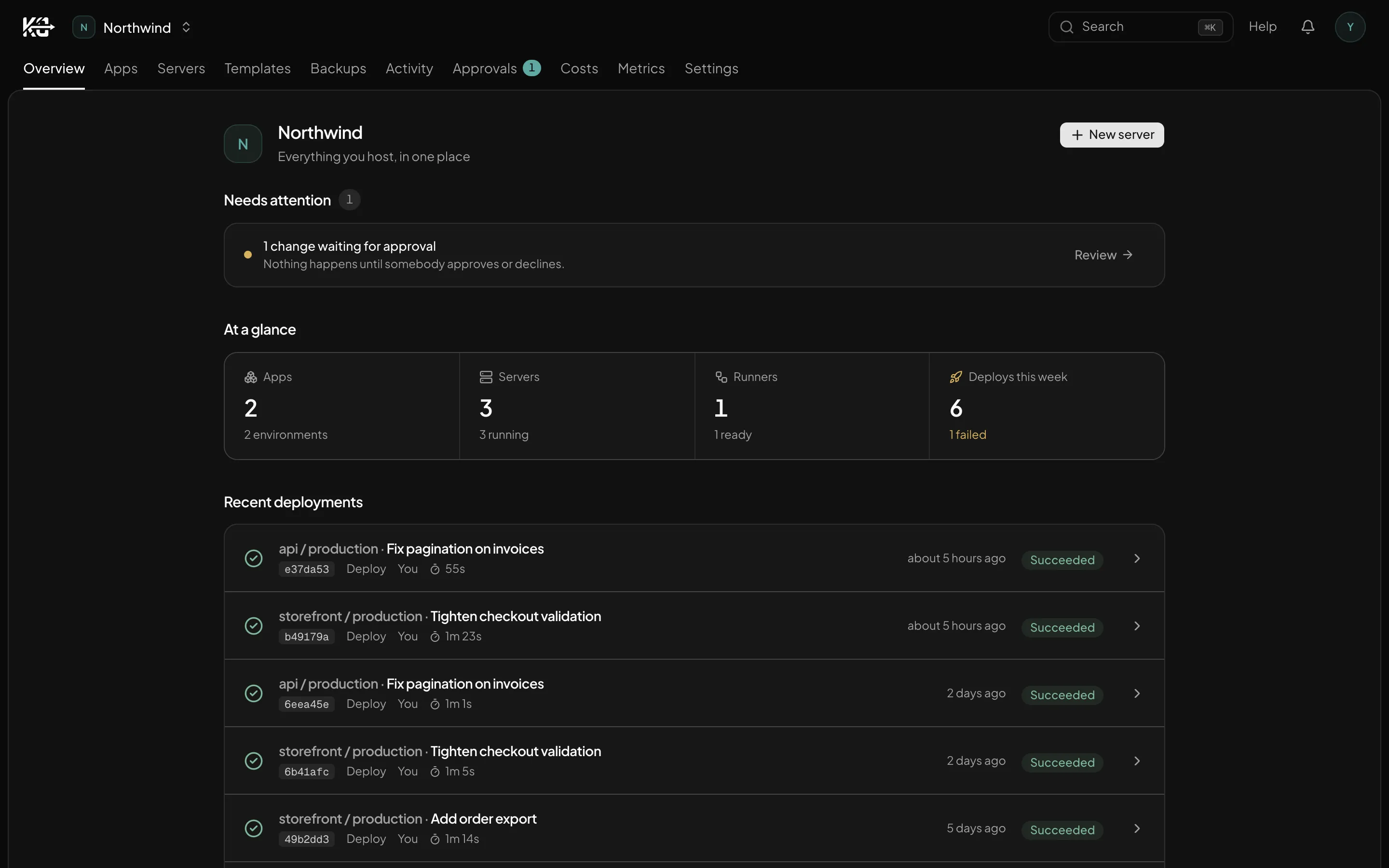
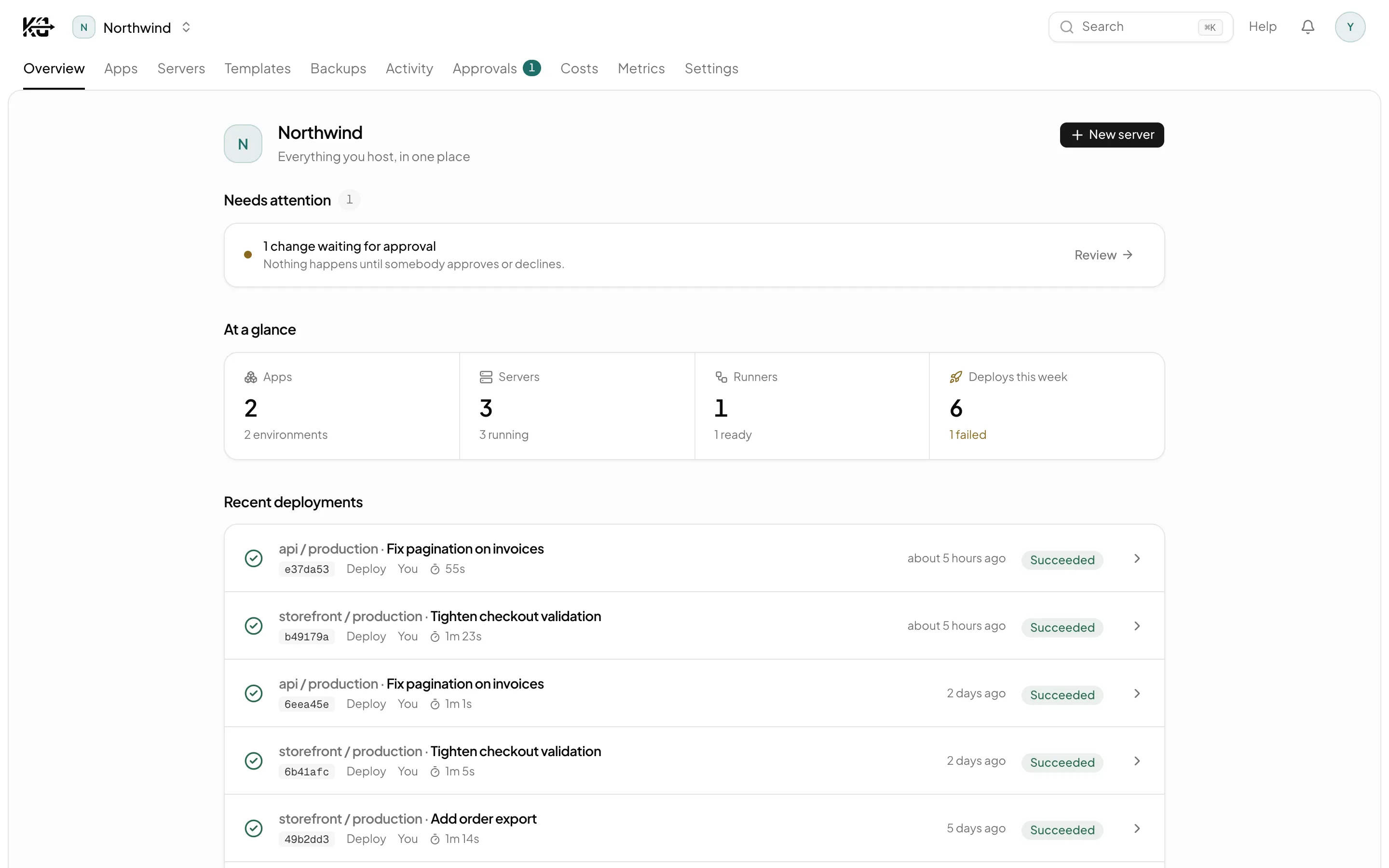
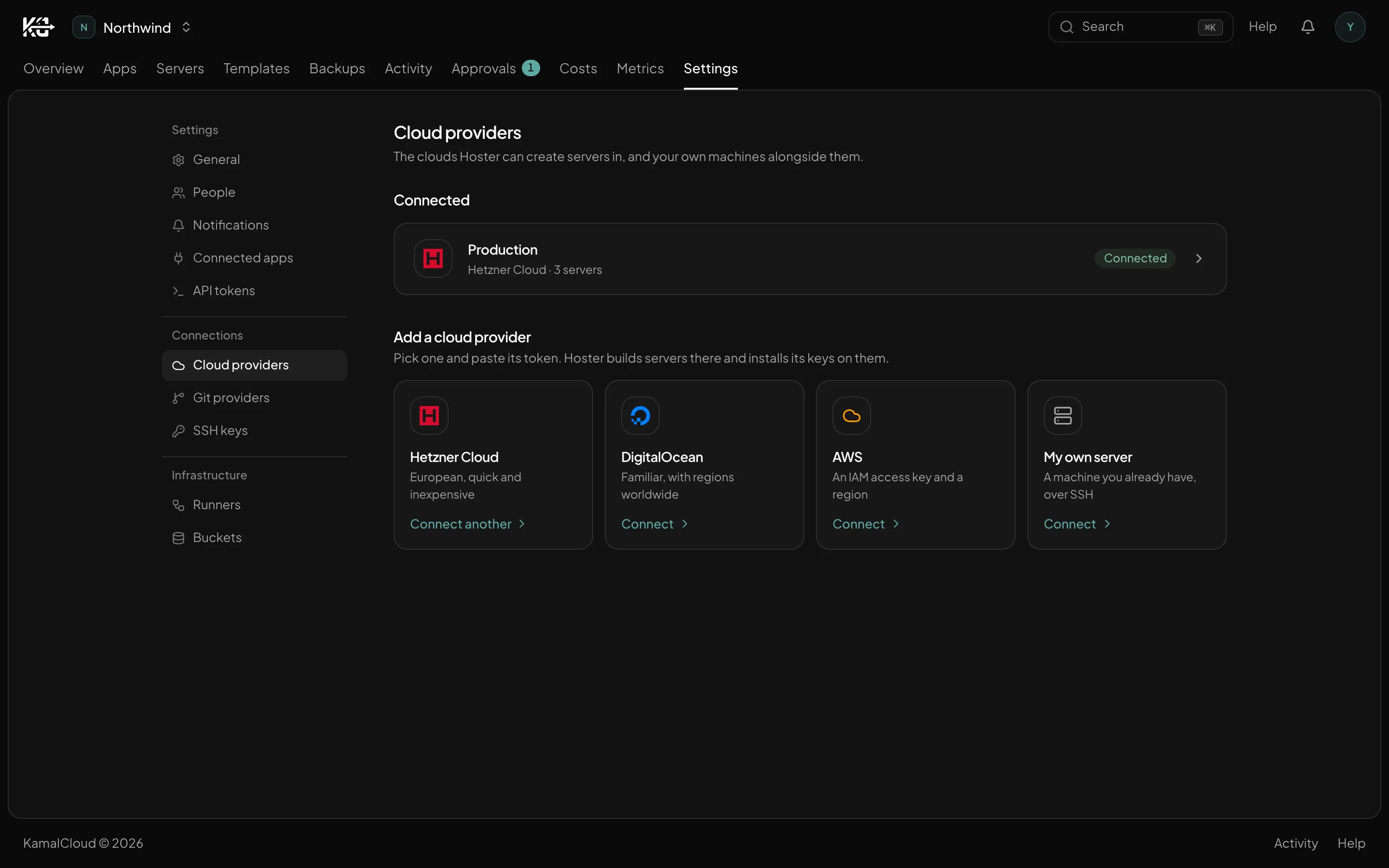
Kamal ships your containers. KamalCloud runs the machines underneath — provisioned, hardened, patched, backed up and watched, inside your own Hetzner, DigitalOcean or AWS account.
Sign-ups are paused while the app is in maintenance.
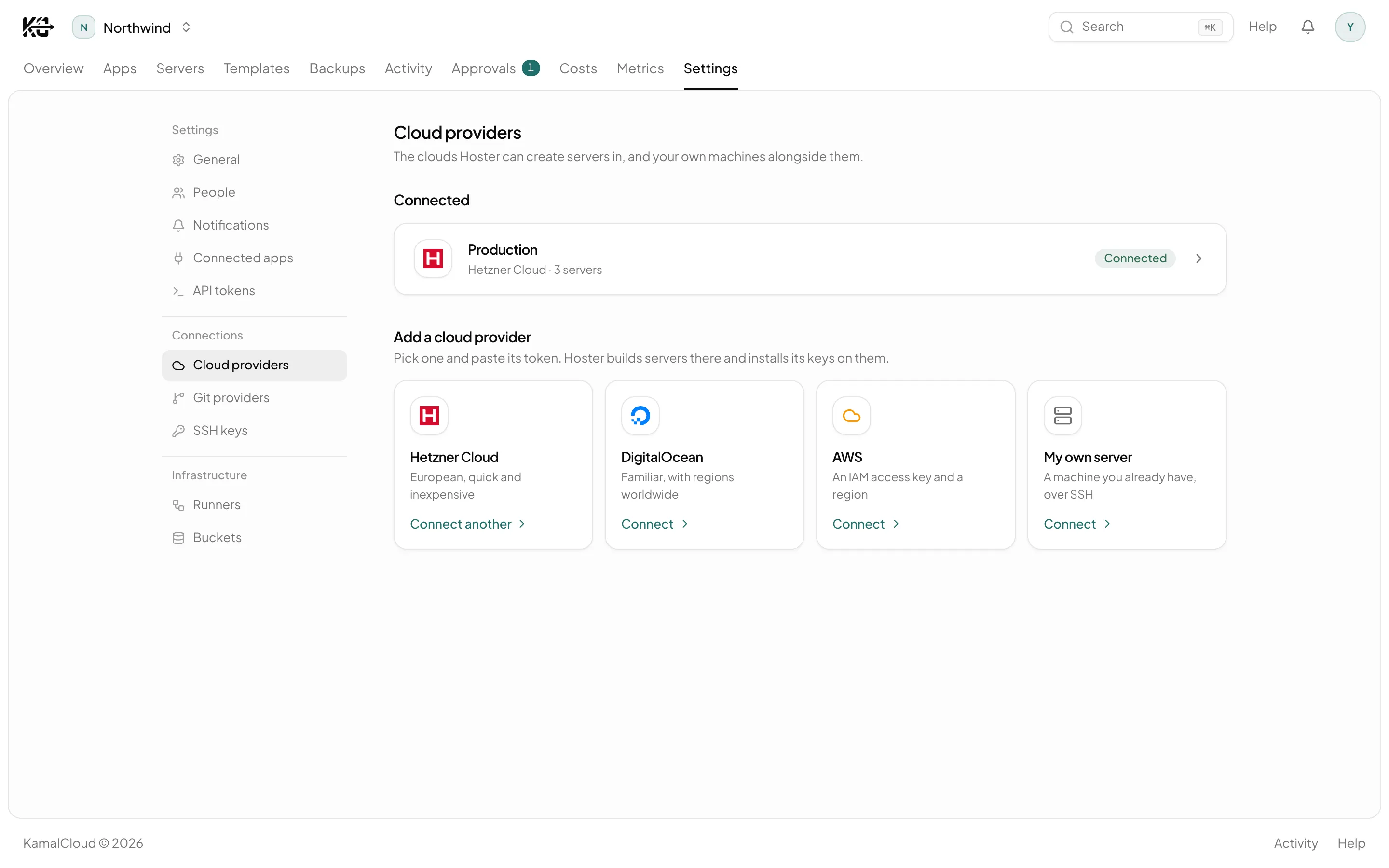
Your servers, in your account
Hetzner
DigitalOcean
AWS
Your own machines
The gap
Kamal stops at the deploy. The server keeps going.
Kamal builds, ships and swaps traffic, and it does that better than anything else. Everything that happens to the box before and after is still your Tuesday afternoon.
kamal deploy
Build the image
Push it to your registry
Boot containers on each host
Wait for the health check
Swap traffic over
Roll back when you ask
Six things, done well, then finished. None of the list beside it was ever Kamal's job.
1# config/deploy.production.yml, merged over your deploy.yml2servers:3web:4hosts:5- 5.75.128.41← servers in your own account6worker:7hosts:8- 5.75.128.439cmd:bundle exec sidekiq1011proxy:12host:acme.com← your domain13ssl:true1415env:16clear:17RAILS_LOG_LEVEL:info18secret:← names only; values sit in .kamal/secrets.production19- DATABASE_URL20- RAILS_MASTER_KEY21
Written next to your repository's checkout on the runner, in Kamal's own format. Your deploy.yml is left as it is.
Your account, your machines
Servers are created in your own Hetzner project, DigitalOcean team or AWS account. KamalCloud owns no servers.
Config you can read and keep
KamalCloud never edits your repository's deploy.yml. Per environment it writes a standard Kamal destination file and secrets file, run by the pinned official Kamal image. Nothing proprietary in between.
Stop paying, nothing stops
Your apps keep running on your servers. Take the destination and secrets files off the runner, and with your own SSH access, plain kamal deploy works without KamalCloud.
Never in the request path
If KamalCloud is unavailable your servers keep serving traffic. A control plane going down is not an outage.
How it works
Empty cloud account to deployed app, in four moves.
No Terraform to maintain, no hardening checklist you half remember, no deploy.yml written from scratch for every environment.
What KamalCloud does
The parts of running a server Kamal was never for.
Hardening you can check against the machine, changes that wait for a person, and a bill with names on it.
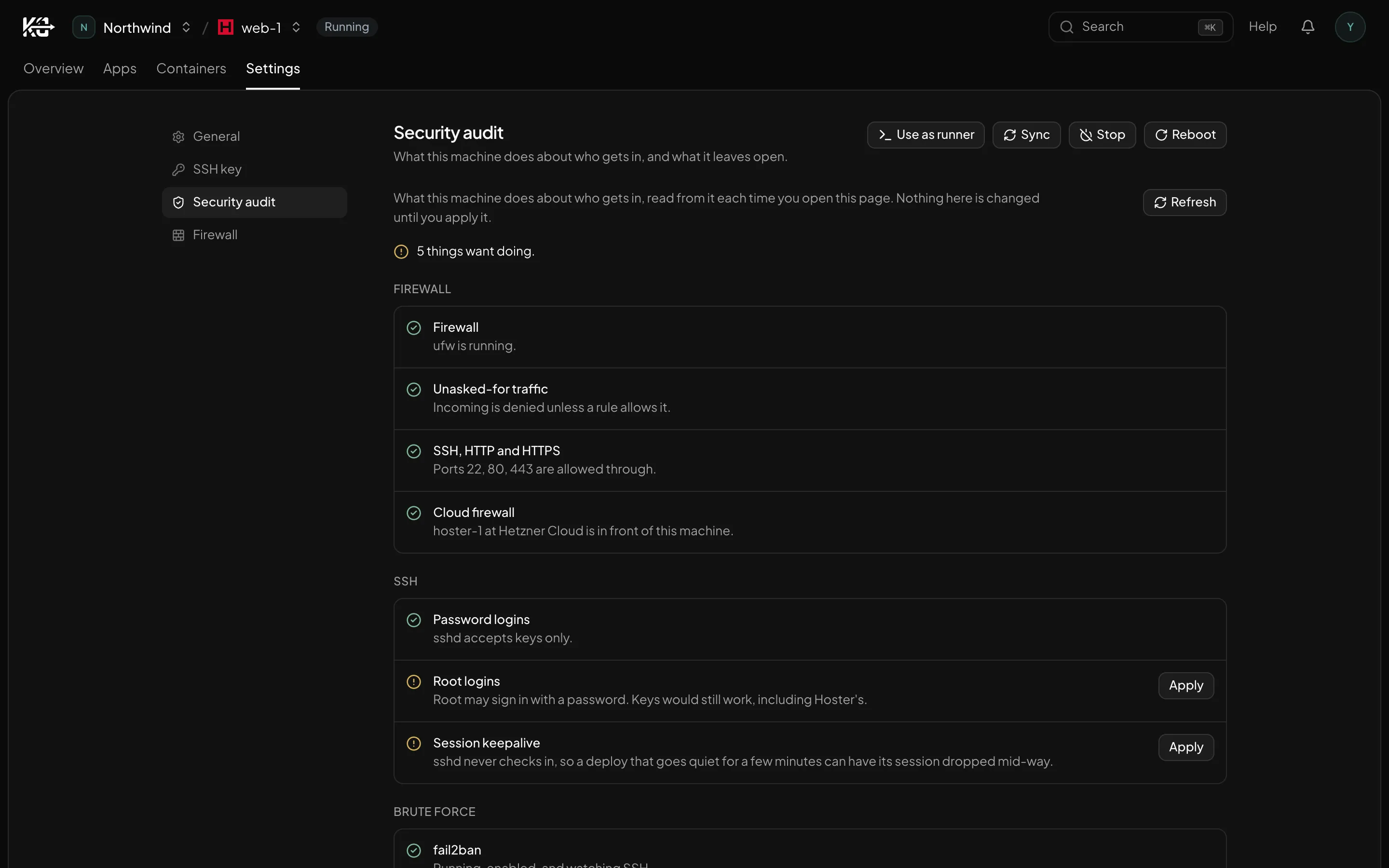
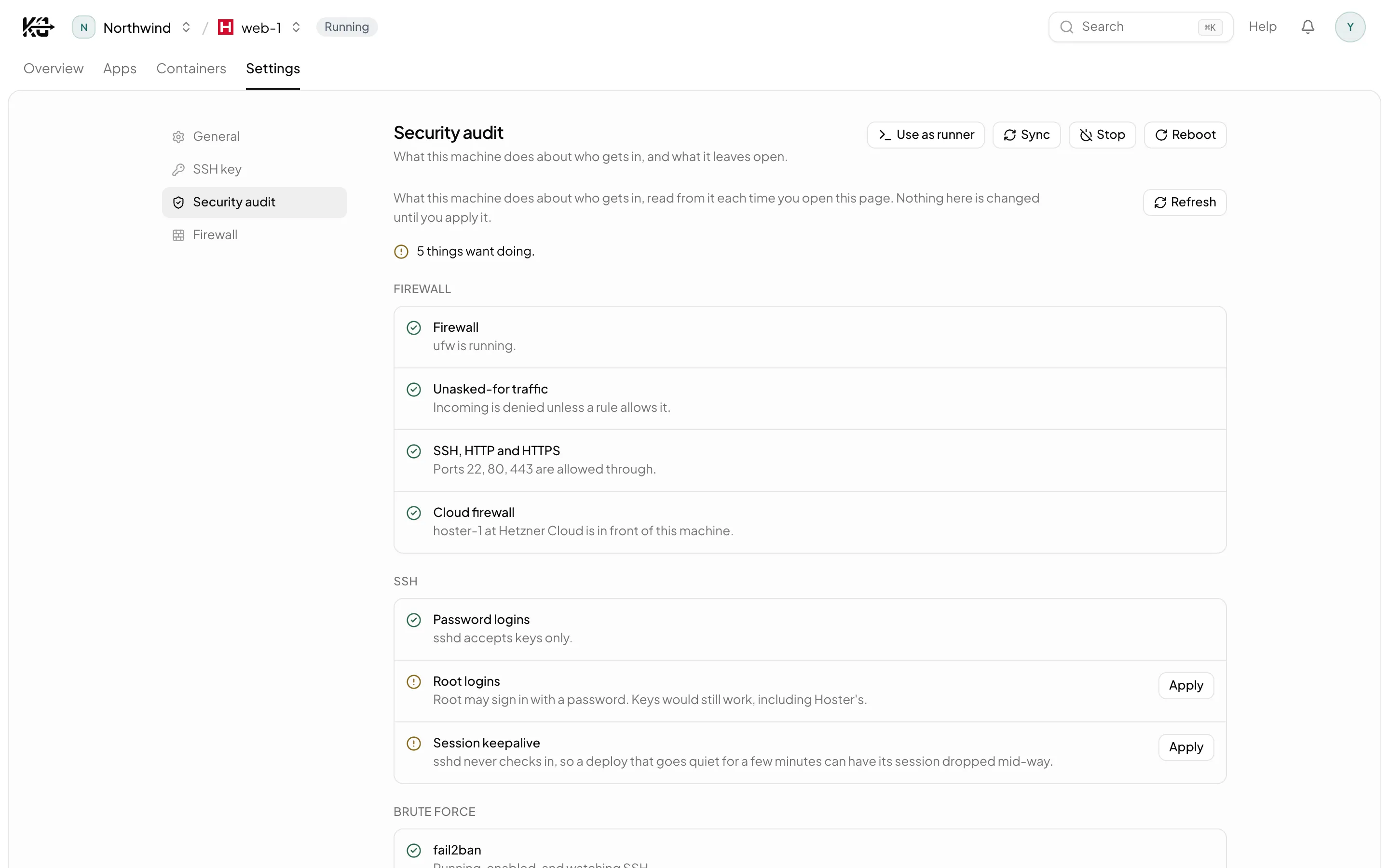
Locked down, and checked against the machine.
Firewall, SSH, brute-force protection and updates are read back off the server every time you open the page. Not a checklist KamalCloud promises it ran once.
ufw, fail2ban and unattended upgrades, each applied by its own button
Anything drifting shows up as a row you can fix in one click
A fix asked for through the API or CLI waits for an admin to approve it
An agent gets your role, and not a step past it.
KamalCloud's API, CLI and MCP server offer exactly the actions your own role allows — and anything that costs money, can't be undone or takes something offline has to show you what it would do before it does it.
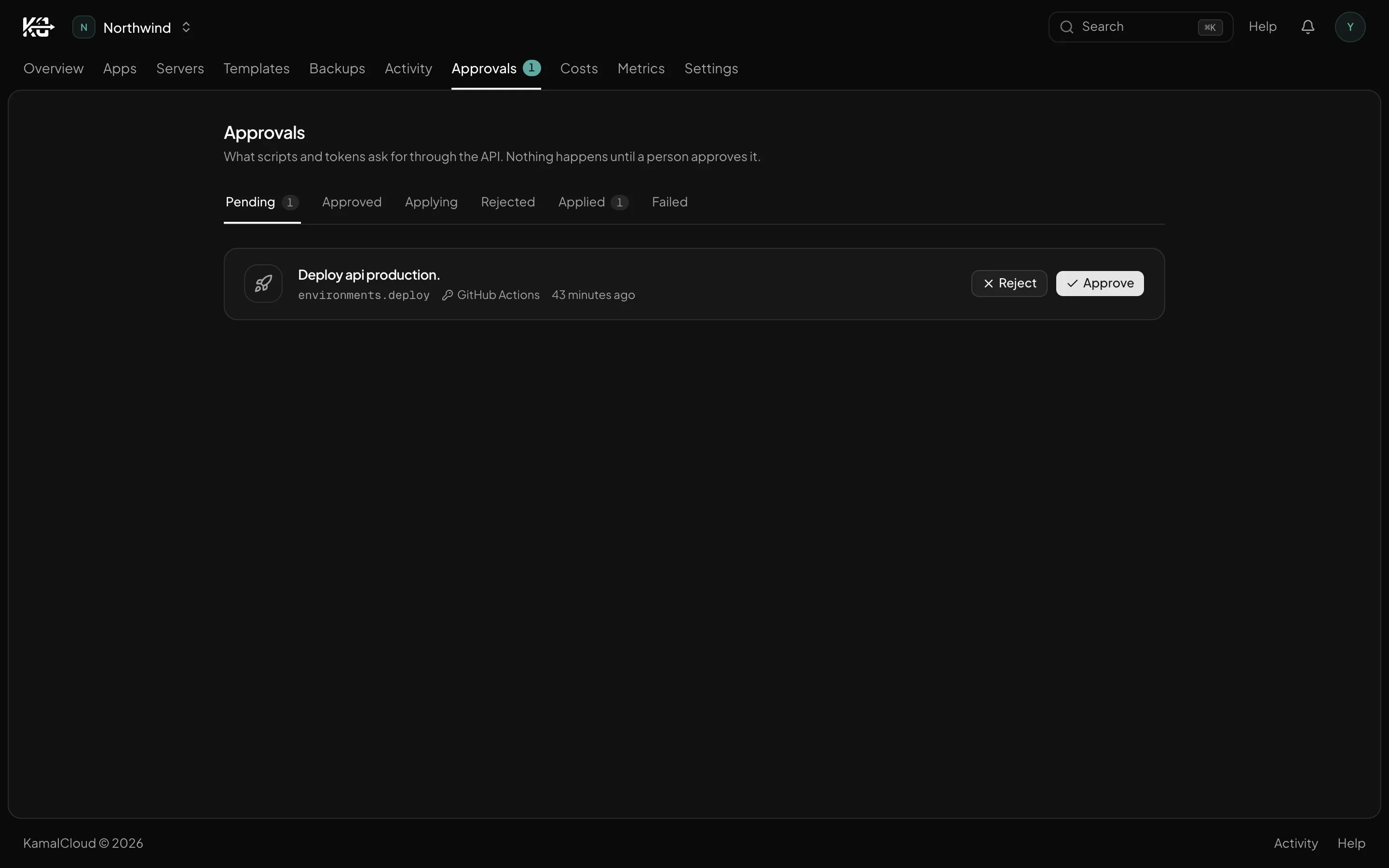
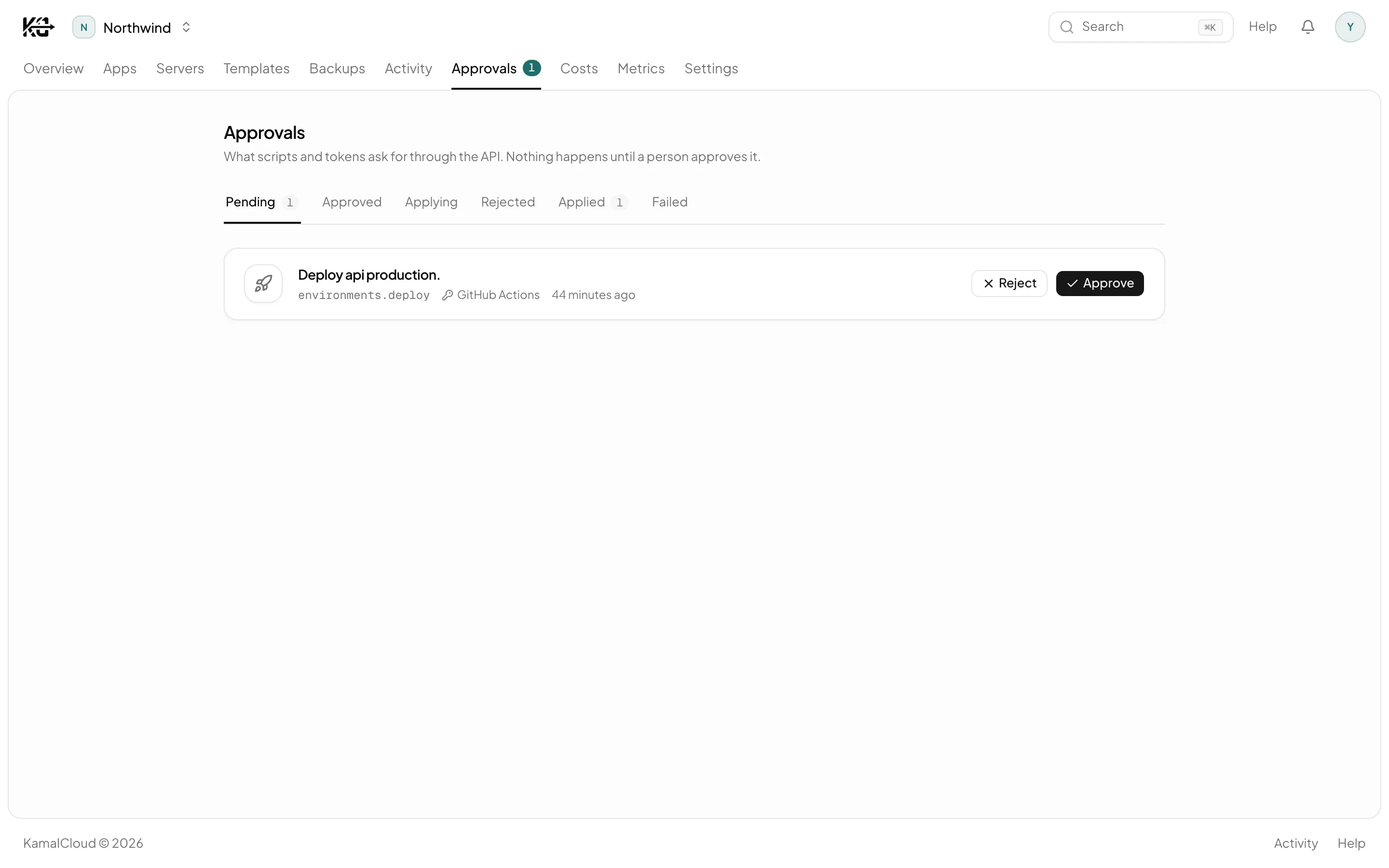
Turn on human-approval mode and a token can only propose: every change waits in a queue until an admin approves it in the browser, recorded against the token that asked and the person who decided. Admins working in the browser act directly. Hand the CLI to a script, or to an agent, without handing over the keys.
An MCP server at POST /mcp: one tool per action a person could take, built from the caller's own role
Anything that costs money, can't be undone or takes something offline previews first and waits to be confirmed
Agents sign in through the browser with OAuth. Tokens are minted by people, never by agents
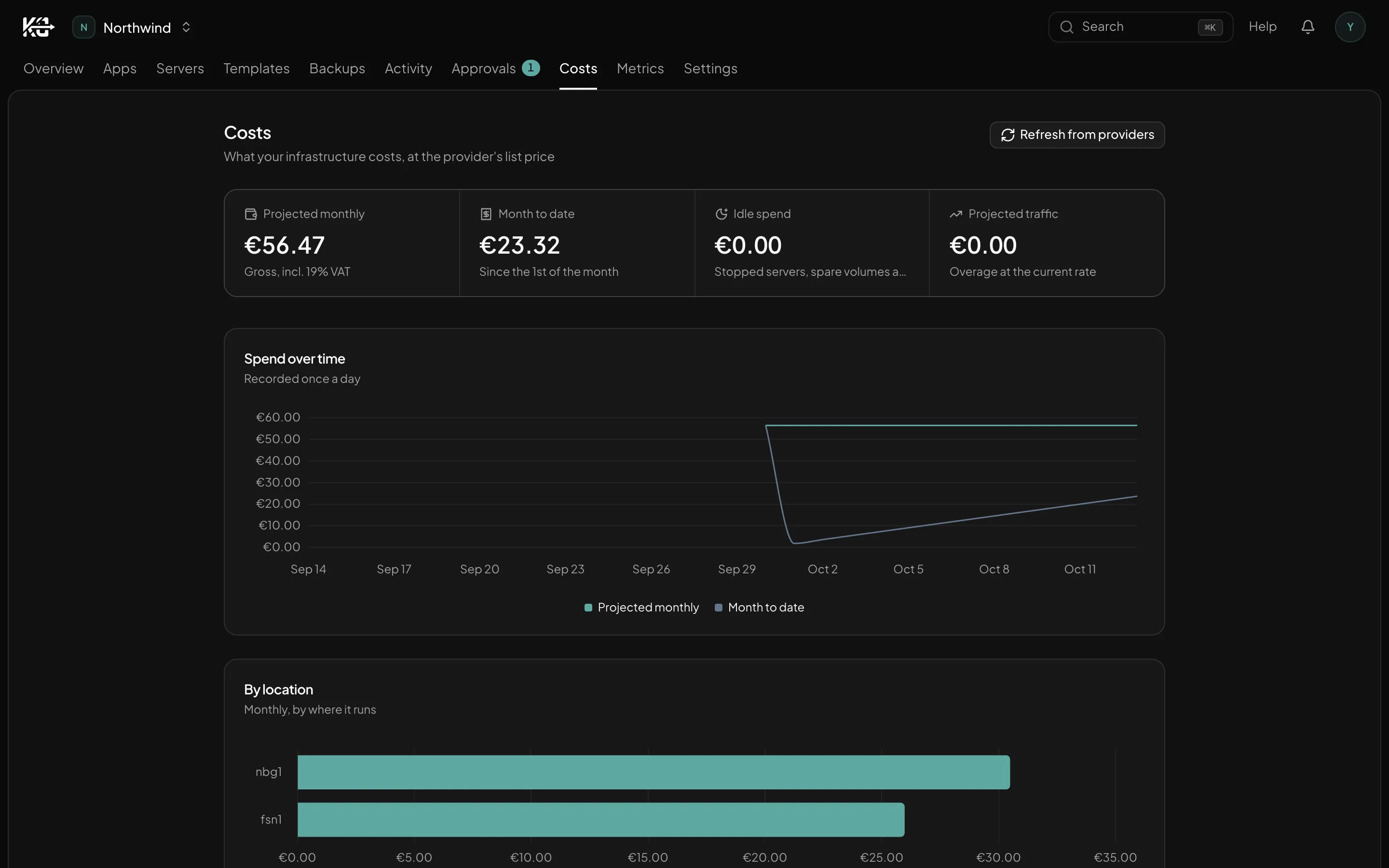
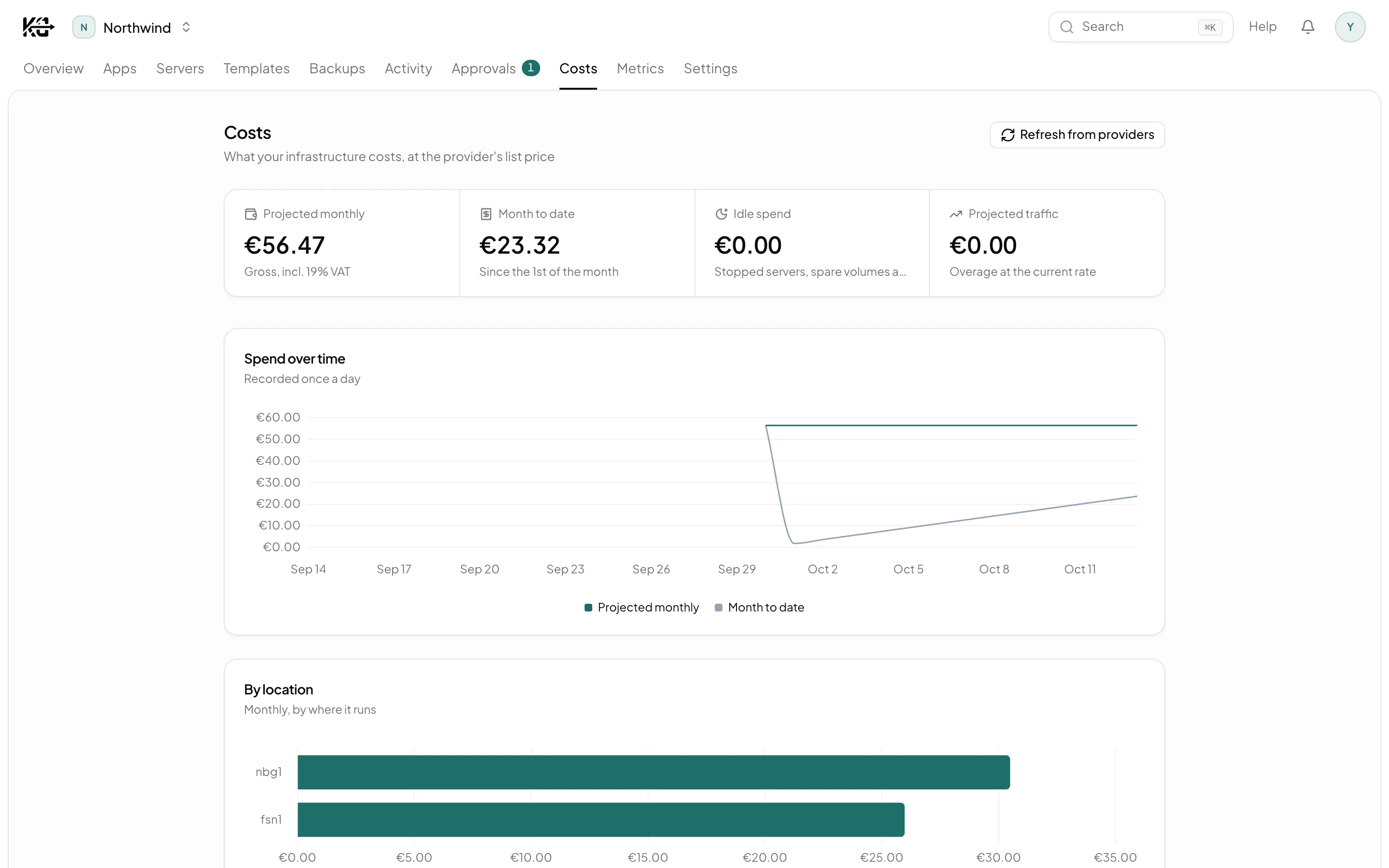
Every action has a name and a price on it.
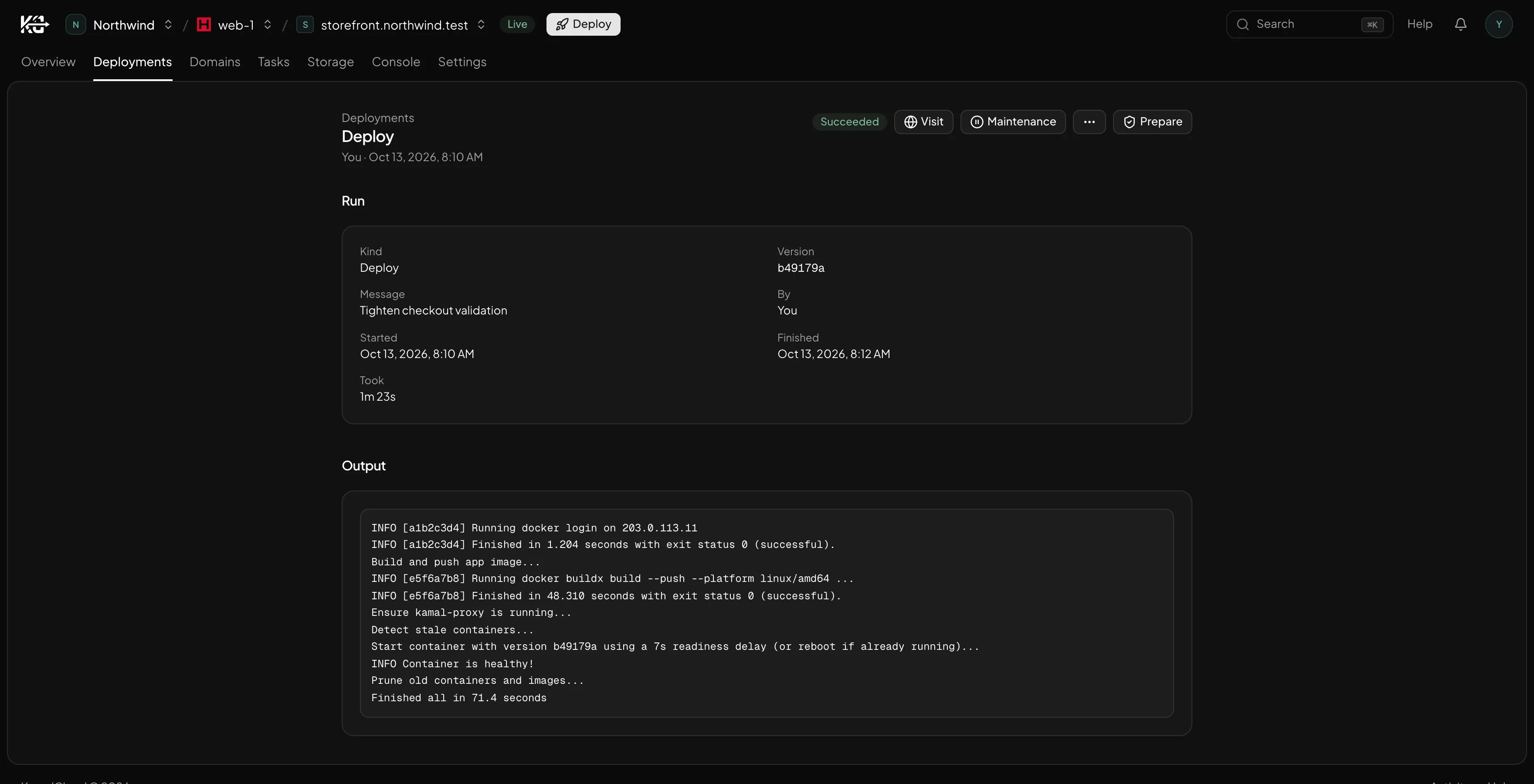
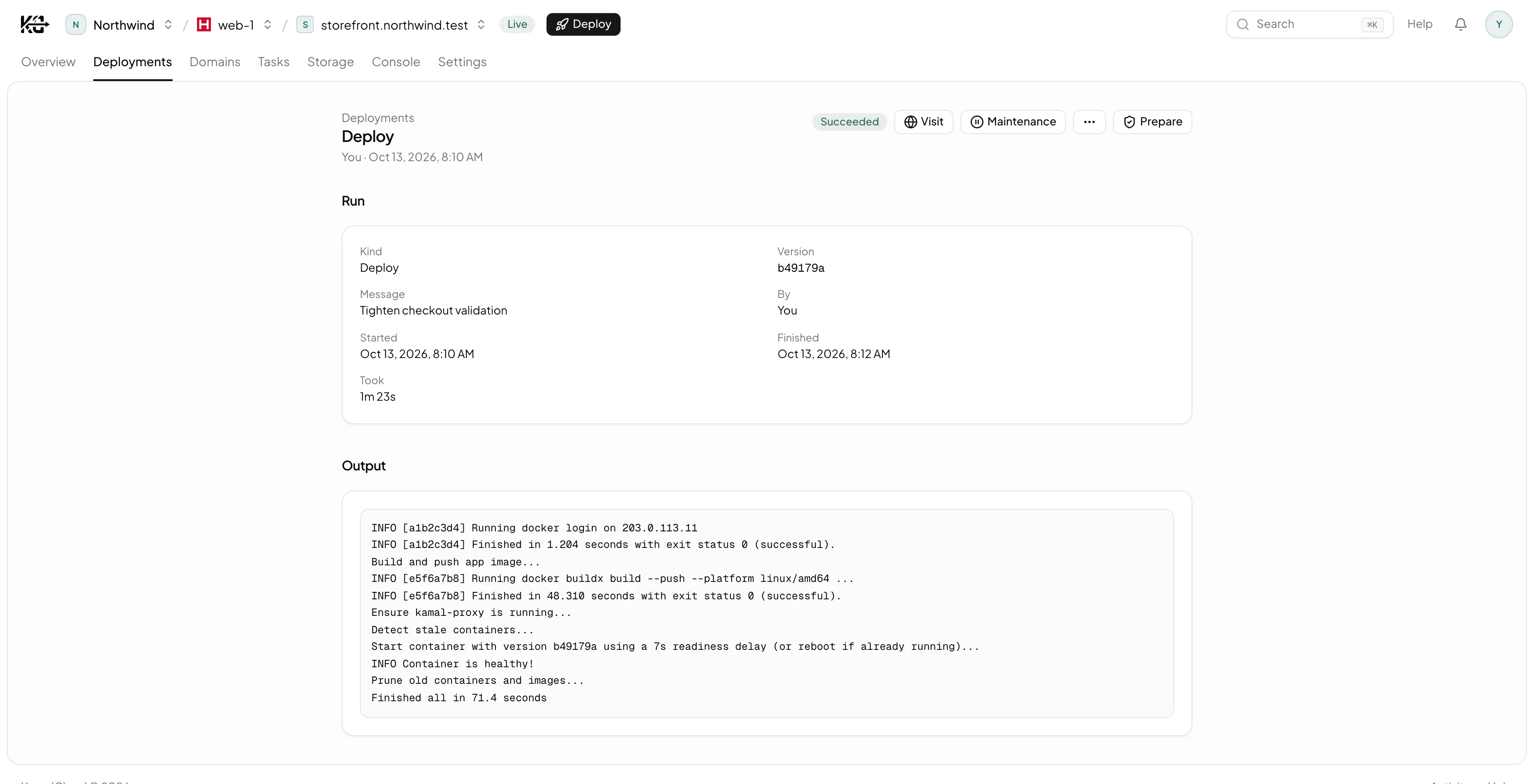
Deploys, tasks, backups, restores and browser shell sessions all record who ran them, or the push that started them, with the full output kept alongside. Your infrastructure bill sits on the same page, at the rate your provider charges you.
Full logs kept per deploy, not left in a terminal you closed
Server spend shown per machine, billed to you by your provider
KamalCloud never resells infrastructure
Configuration history — who changed a secret or a role — is not recorded yet.
After the first deploy
The week after the deploy, handled.
Pushes that deploy, alerts that reach you, and a backup before anything is deleted. Each one links to the page that explains it.
$ git push origin main
9f31c04Add the billing pageDeployingSucceeded
b42e7a1Fix a typo [skip ci]Not deployed
Push to deploy
Deploy on a push to a branch, or on any new tag. Path filters ignore pushes that don't touch the app, and [skip ci] is honoured. Off until you turn it on.
Failed deploys, tasks and backups, no successful backup in 36 hours, expiring certificates, traffic near the allowance, a rejected provider token. By email, Slack, Discord or webhook.
The kamal-cloud CLI reads your servers and apps directly. Anything that would change something becomes a request, and kamal-cloud wait blocks until an admin approves or rejects it in the browser. The same binary bridges MCP over stdio, so an AI client gets the same actions the script does.
Postgres, MySQL, Redis and Valkey, booted as Kamal accessories. Backups go to S3-compatible storage you control, to several buckets at once, standing the container down first where a live copy would catch a database mid-write.
Domains, TLS and reachability
Certificates issued and renewed, then read back hourly from outside, so one about to lapse is noticed before a visitor finds it. DNS is checked against what is actually resolving.
Apps you already deploy
Import an app already running on one of your servers. KamalCloud reads it off the Docker containers and touches nothing on the machine.
And now on the second server, the second environment, or the second engineer. Nothing about your deploy changes.
Running client apps
Many apps across many clouds, each with its own servers, its own people and its own roles.
Pricing
One price on top. Your provider bills the rest, at their rate.
No per-dyno arithmetic, no per-service multiplier, no surprise at the end of a busy month. One plan, with every server and everyone on your team.
KamalCloud
$29/ month
Everything KamalCloud does, for every server and everyone on your team.
Servers
Unlimited
People
Unlimited
Seven days free, billed monthly after that. A card is collected at signup, by Stripe, before anything is provisioned, and nothing is charged until the trial ends. Cancel any time.
We are a small team running our own Rails applications on Hetzner with Kamal. We got tired of the half-finished hardening checklist, the backup nobody had restored, and the SSH key three people shared. It exists because we wanted it.
Yes. Your repository's deploy.yml is left as it is. For each environment KamalCloud writes a standard Kamal destination file and a secrets file on its runner, next to the checkout. With those files and your own SSH access, Kamal runs from your laptop the same way. Nothing about the Kamal workflow is replaced or intercepted.
What happens if I stop paying?
Your servers are in your cloud account and stay there. Your applications keep running. Your repository's deploy.yml, and the destination and secrets files KamalCloud wrote on the runner, still work with plain Kamal. KamalCloud stops managing them; nothing tears anything down.
What happens if KamalCloud is down?
Your applications keep serving traffic, because KamalCloud is not in the request path. You would lose the browser controls for the duration, not the sites.
What does KamalCloud install on my servers?
On the runner, the one box Kamal runs from: git, curl, Docker, a deploy key, an SSH config and the pinned official Kamal image. On the servers your app runs on, nothing of KamalCloud's — Kamal puts Docker there, the same as it would from your laptop. The hardening fixes change the machine's own configuration: ufw, fail2ban, unattended upgrades, sshd. Each one is a separate button, and the security page reads the result back off the machine rather than trusting that it ran.
Does KamalCloud have SSH access to my servers?
Yes, that is how it does the work. KamalCloud holds a control key and a deploy key, both encrypted at rest. Deploys, tasks, backups, restores and browser shell sessions record who started them. The connections KamalCloud makes for its own checks and syncs are not attributed to anyone, and a change approved through the API runs as the person who approved it. Your own keys and your own access are untouched.
Where do my secrets actually live?
Encrypted in KamalCloud's database, and in a secrets file on your own runner that Kamal reads at deploy time. They are never written into your repository and never committed anywhere. If you remove KamalCloud, that file is on your machine, under your control.
Can an AI client change things on its own?
It acts as you, with your role, and never past it. Anything that costs money, cannot be undone or takes something offline comes back as a preview it has to confirm before it proceeds. Tokens are minted and revoked by a person in the browser, so an agent cannot widen its own access. Turn on human-approval mode and it can only propose: every change waits for an admin.
What if KamalCloud dies in the middle of a deploy?
The deploy carries on. Kamal runs detached on the runner, so it is not holding your browser tab or a KamalCloud process open for the duration. If the worker watching the run goes away, another picks it back up and settles the record on what actually happened on the machine, rather than on what KamalCloud last saw. We deploy KamalCloud with KamalCloud, which is the only reason we know this works.
Can I see who did what?
For actions, yes: every deployment, task, backup, restore and browser shell session is attributed to the person who ran it, or the push that started it, with its full output. Configuration history, who changed a secret or a role, is not recorded yet.
Can I bring servers I already have?
Yes. Register any Linux machine you can reach over SSH. It is managed the same way as a provisioned one, minus everything that needs a provider API: resizing, snapshots and rebuilds, power control, hardware metrics, and a cost figure. KamalCloud reaches it over SSH and manages what runs on it, without pretending it built it.
What is in the seven-day trial?
All of it. A card is collected by Stripe at signup, before anything is provisioned, and the first week is free. There is no reduced tier during the trial and nothing is held back. If a payment fails later you are not locked out of your own servers straight away: the account keeps working for about a fortnight while Stripe retries, and the alert fires at critical severity so it is not a surprise.
Is this a PaaS?
No. There are no KamalCloud-managed servers to rent. You pay Hetzner, DigitalOcean or AWS directly, the machines are in your account, and KamalCloud is a client of your infrastructure rather than the owner of it.
Connect a server. Start with staging.
Register a machine you already have, or provision a new one. Nothing is touched that you have not chosen.